


How CopyX EA Works
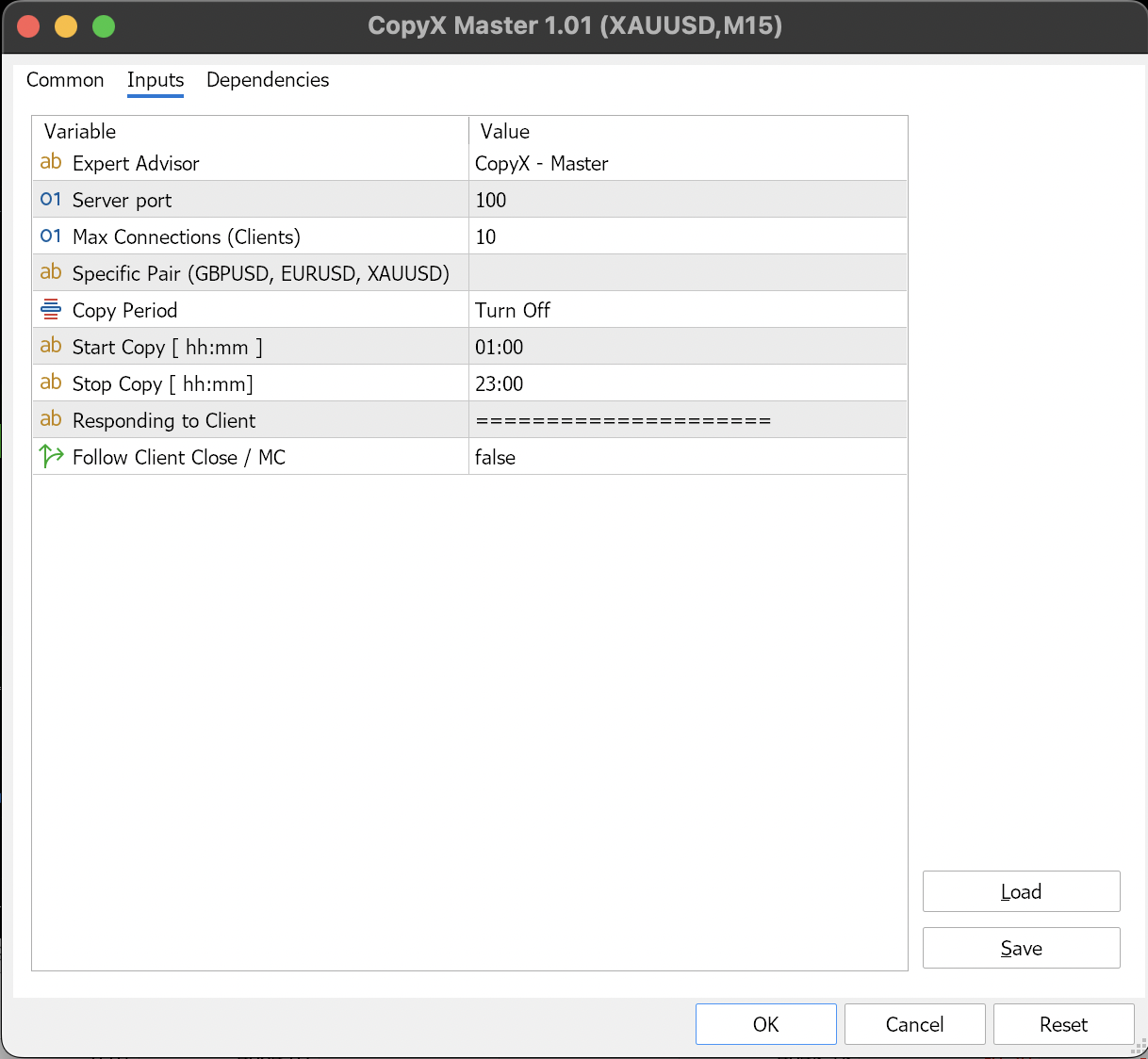
- Master Installation
Install the CopyX Master EA on the main account in MT4/MT5. - Client/Follower Installation
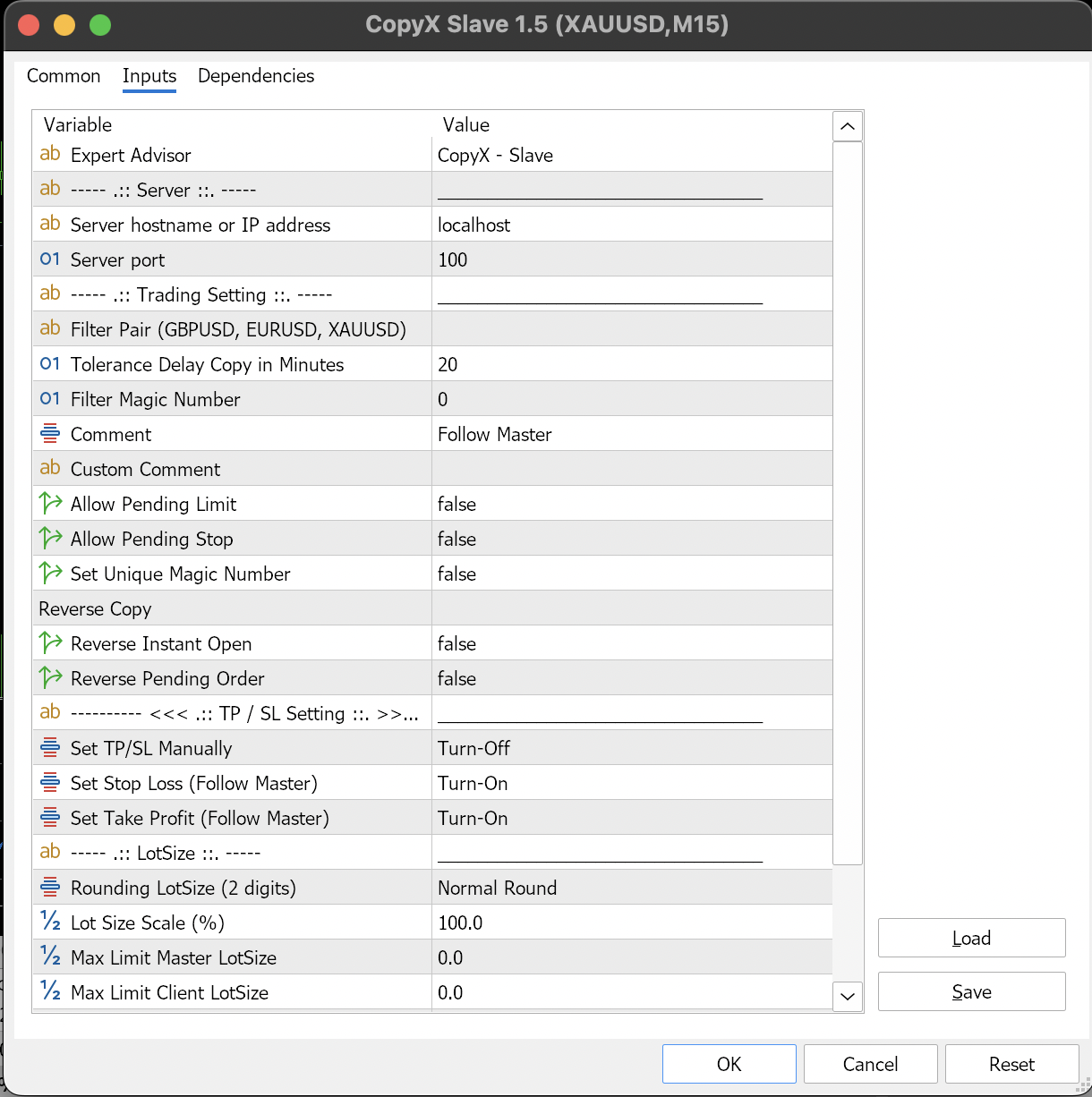
Install the CopyX Slave EA on client or follower accounts in MT4/MT5. You can install it on multiple client accounts simultaneously. - Port Configuration
Ensure that the Port value on the Master EA matches the Port value on all Client EAs so the connection runs properly. - Dashboard Monitoring
If the connection is successful, the list of connected client account names will appear on the dashboard (chart) of the Master account. - Trading Synchronization
- All trading activities such as opening positions, modifying (TP/SL), closing, or deleting orders are executed from the Master account.
- The CopyX Master EA will automatically send trade information to all client accounts, and the CopyX Slave EA will execute trades based on each client’s settings.
- Trading activity on client accounts does not affect the Master account.
With this system, the entire trade copying process between Master and Client runs automatically, quickly, and flexibly, according to each account’s configuration.